Learn to see
the edit before
you make
the cut.
Aiyana Pettway provides one-on-one online video editing instruction focused on clearer workflows, practical editing decisions, and stronger confidence with the timeline.
Aiyana Pettway — Owner & Tutor
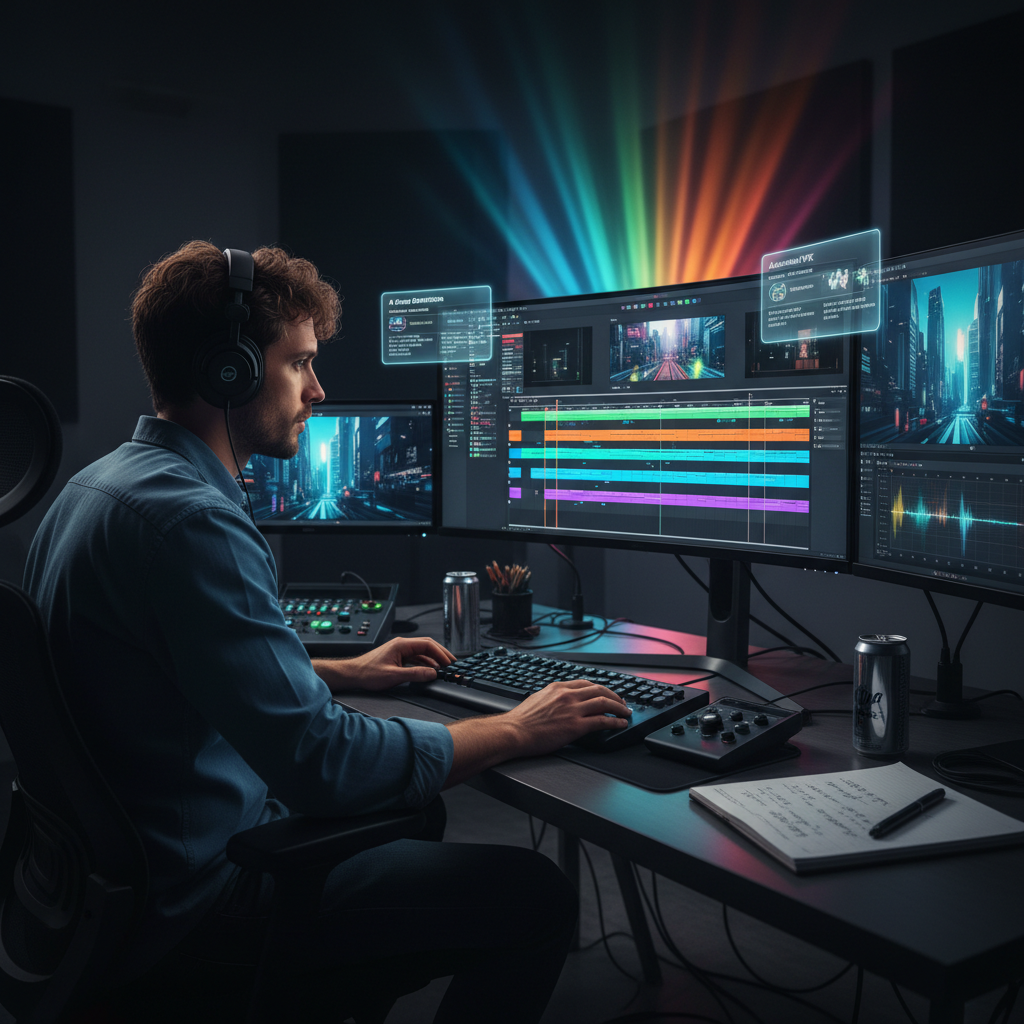
Organize
Media, files, timeline
Cut
Timing, trimming, pacing
Refine
Audio, titles, transitions
Finish
Export, review, workflow
The edit has
a method.
Video editing is not just about knowing which button does what. The real challenge is understanding when to make a cut, why a transition earns its place, and how the structure of a timeline affects what the viewer experiences.
FramesMethod tutoring builds that understanding from the ground up — not through memorized steps, but through practical decisions made in real editing sessions.
Knowing where to cut — and why that moment matters
Keeping a timeline organized from the first clip
Understanding pacing and what it does to the viewer
Managing audio levels, sync, and clarity
Using transitions intentionally, not habitually
Preparing a clean, correct export every time
What We Can Work
Through Together
Editing Workspace
Understand panels, tools, and navigation so you can move through your software with confidence.
Timeline Structure
Keep projects clean, labeled, and manageable from the first clip to the final sequence.
Cuts & Pacing
Learn how timing changes the feel of an edit — and how to make deliberate decisions about it.
Audio Basics
Balance dialogue, music, and ambient sound so nothing competes and everything is heard.
Titles & Graphics
Add clean, readable on-screen text that fits the tone without distracting from the content.
Transitions
Learn when a transition earns its place — and when a straight cut is the stronger choice.
Color Basics
Understand simple correction principles: exposure, white balance, and a consistent look.
Exporting
Prepare finished projects correctly — right codec, resolution, and format for every destination.
Workflow & Process
Build a repeatable editing method you can rely on across every project, not just this one.
Topics adapt to each student's current level — no fixed syllabus, no unnecessary complexity.
Aiyana
Pettway
Owner of FramesMethod LLC
More than 7 years working with and teaching video editing.
Aiyana Pettway developed FramesMethod from a straightforward belief: that editing becomes significantly easier once you understand the logic behind the decisions, not just the location of the buttons.
Every session is built around that idea — practical, patient instruction that meets students where they are and builds real comprehension of the editing process.
Based in Winchester, California. Working with students online, one session at a time.
You don't need
to be an editor
yet.
There's no single type of student. The approach adjusts to where you are and what you need most.
Complete beginners with no editing experience
Self-taught creators who want a cleaner workflow
People overwhelmed by editing software
Students wanting more structure and confidence
People returning to video editing after a break
Creators who want to understand their decisions, not just execute them
From raw clips to
a clearer process.
Start
Understand your current skill level
Build
Learn the essential tools and workflow
Practice
Work through practical editing decisions
Refine
Improve organization, pacing, audio, and visual choices
Repeat
Develop a workflow you can use independently
Build an editing
process you actually
understand.
Online video editing tutoring with Aiyana Pettway, owner of FramesMethod LLC.